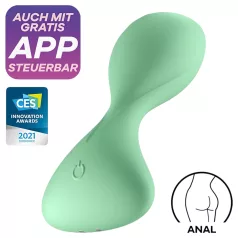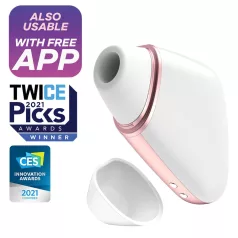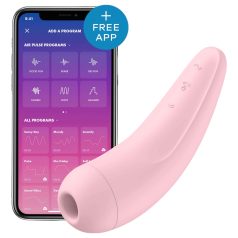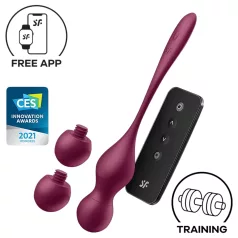
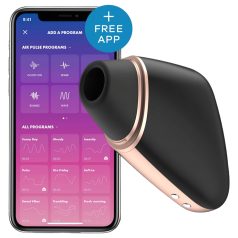
Satisfyer Connect App: your step-by-step guide to smarter pleasure
If you’ve picked up an app-controlled Satisfyer toy (or you’re thinking about it), the Satisfyer Connect App is where the fun really levels up. You can connect via Bluetooth, explore ready-made patterns, create your own programmes, sync vibrations to music, try sound-reactive play, and even hand control to a partner remotely.
1) Download the Satisfyer Connect App
The app is free on both Google Play and the App Store, and it’s compatible with iOS 11+ and Android 6.0+. It can also work on compatible tablets/iPads and supported Apple Watch versions (as listed in the official guide).
When you open it for the first time, you’ll be asked to confirm you’re 18+, accept the Terms & Conditions, and (optionally) enable extra permissions for the fullest experience.
2) Pair your Satisfyer toy with your phone (Bluetooth)
First things first: switch Bluetooth ON on your phone.
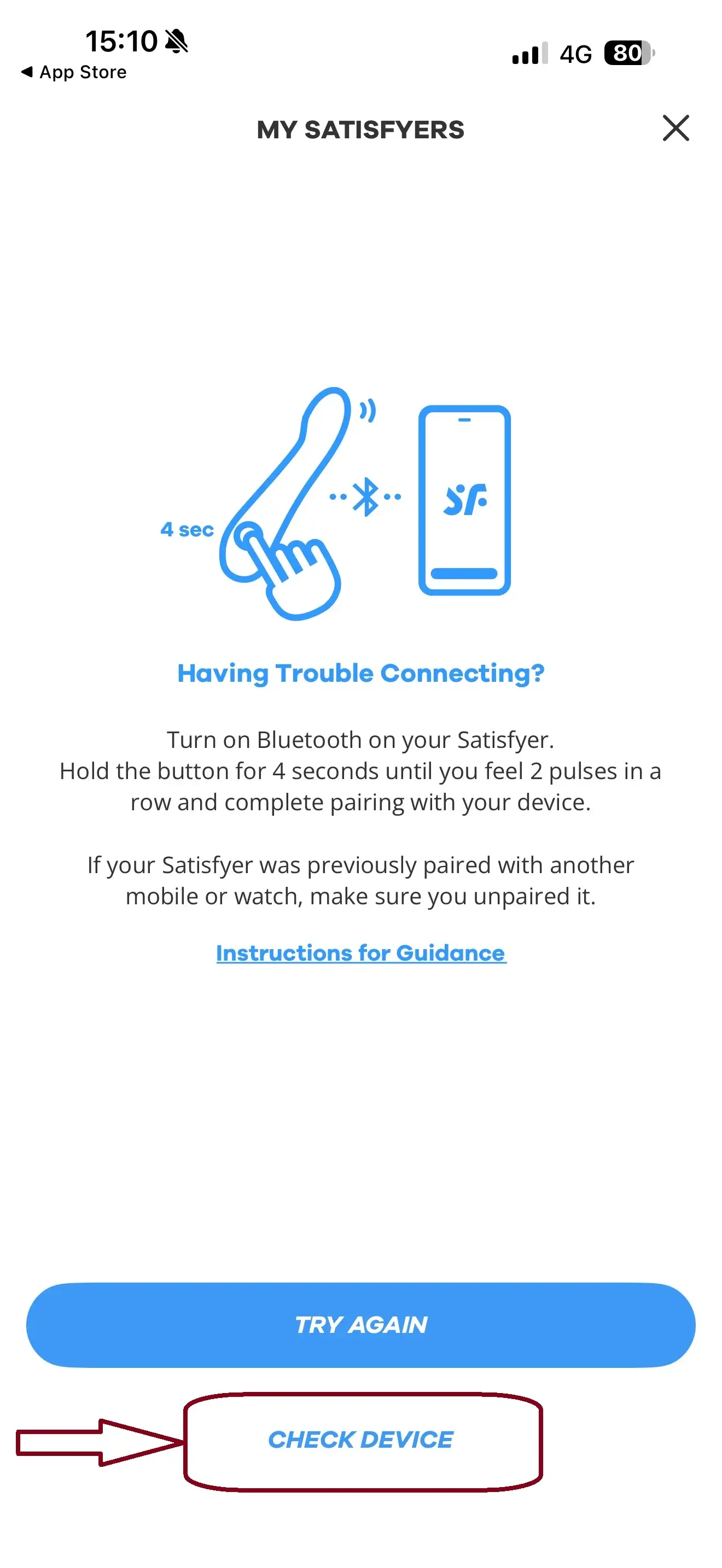
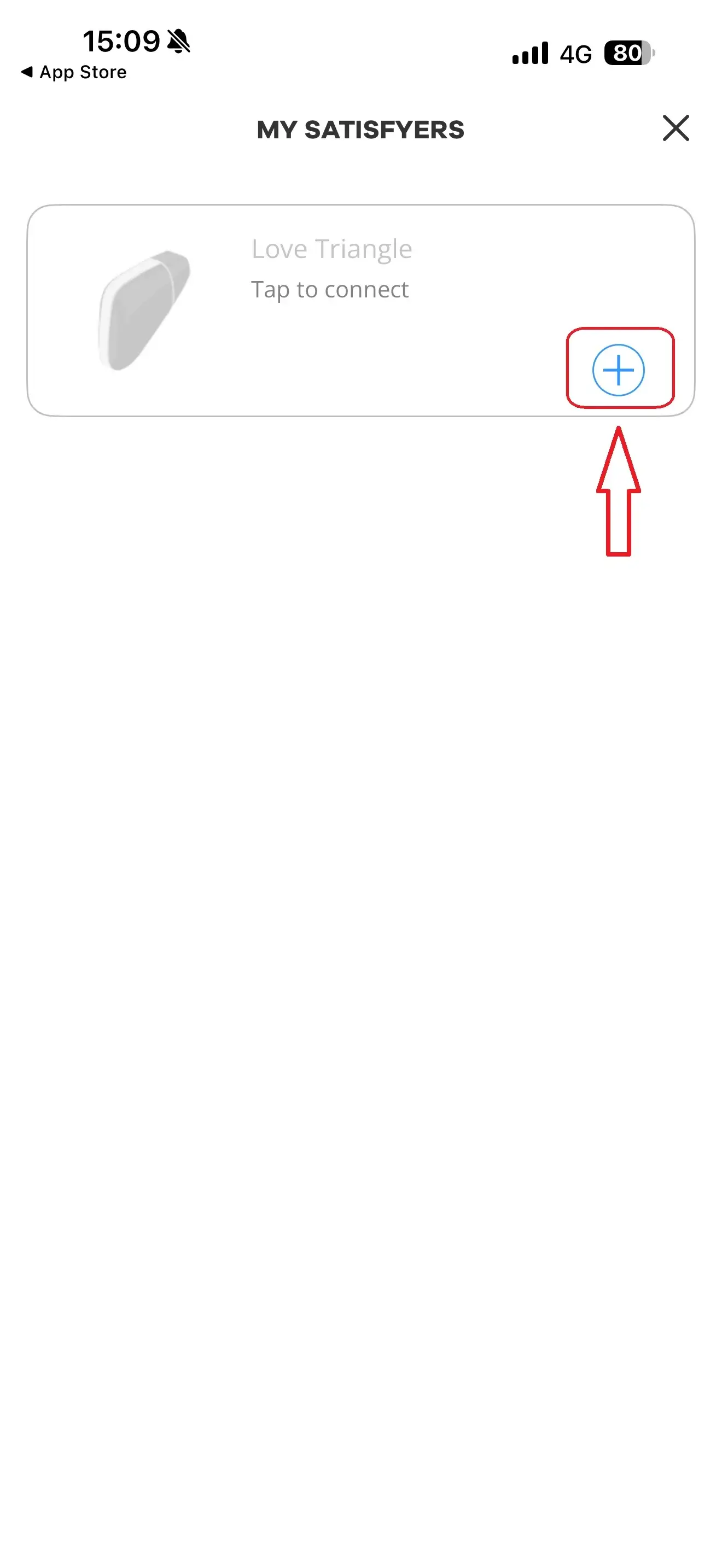
Then activate Bluetooth on your Satisfyer device: press and hold the power button until the toy buzzes twice (usually around 3–6 seconds). Tap Start in the app and confirm pairing when your phone detects the device.
Tip: Keep your phone and toy close together while pairing for a more stable connection. Bluetooth range is roughly 5–10 metres, so stay reasonably near for the best control.
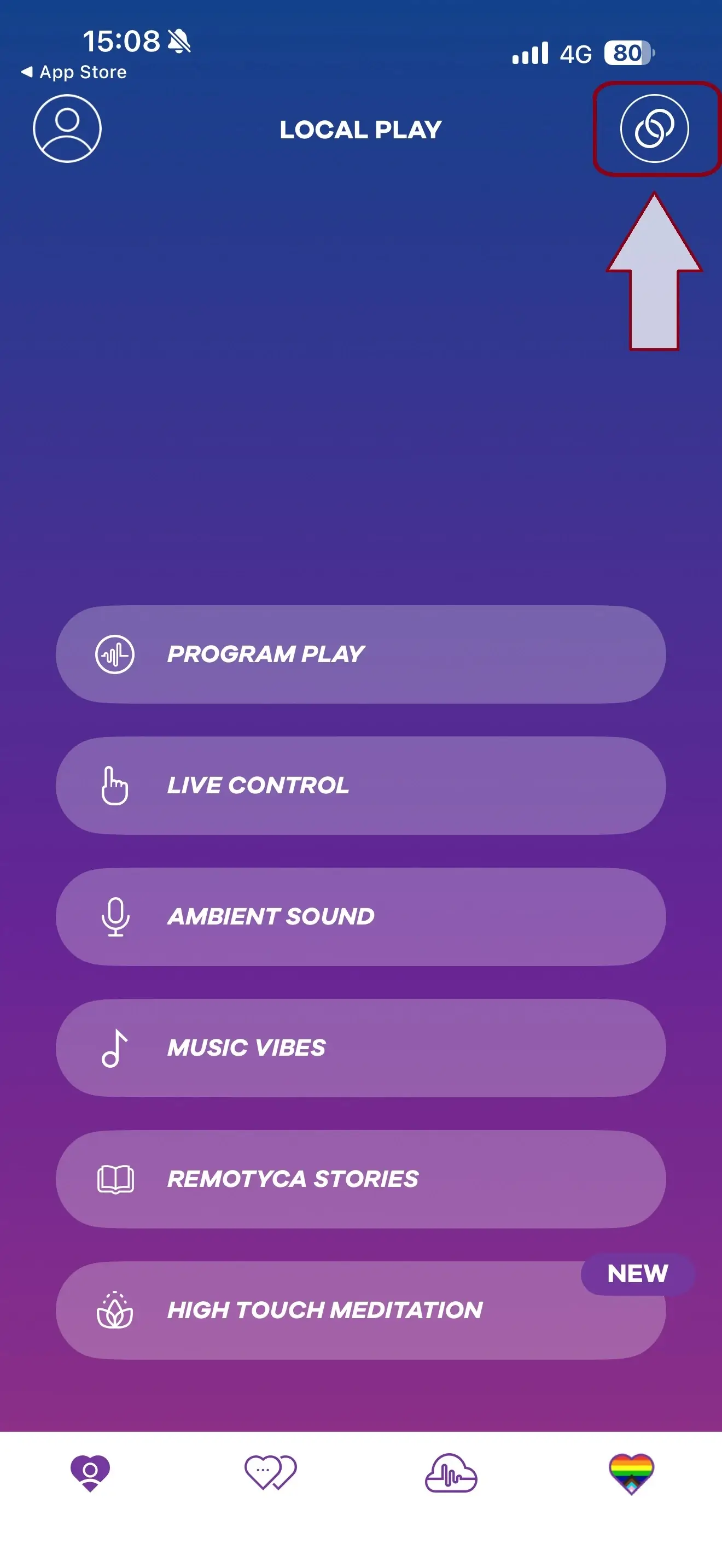
Once connected, you’ll see your device under My Devices (top right), and you can jump straight into play.

3) Create a Satisfyer profile (optional, but worth it)
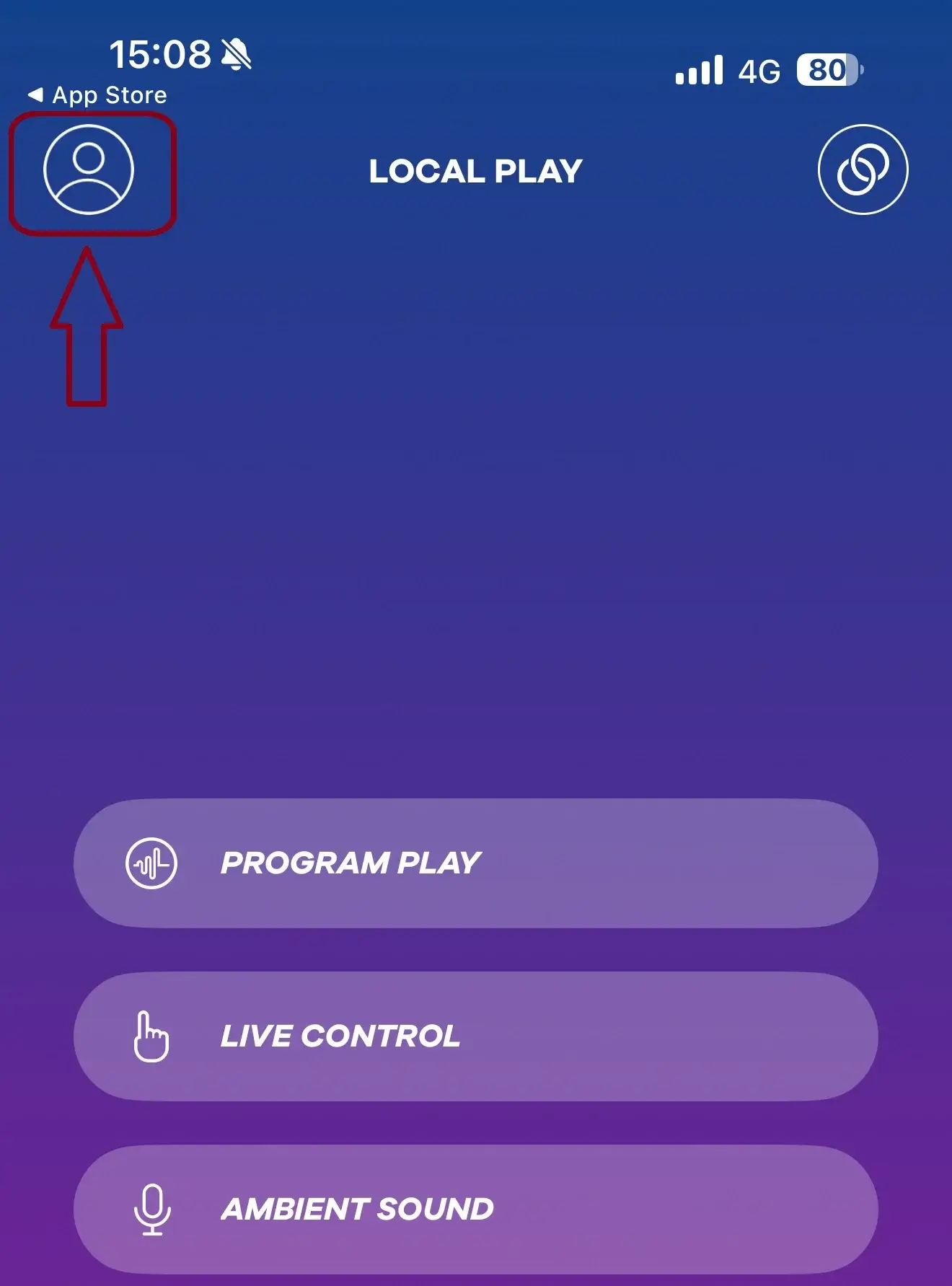
You can use plenty of features without an account, but if you want the full experience (especially online/remote features), set up a profile via the icon in the top-left area of the app.
Good to know on privacy: the guide states the app doesn’t share your data with third parties, uses end-to-end encryption, and does not collect health data.

Local Play: the best features for solo (or same-room) control
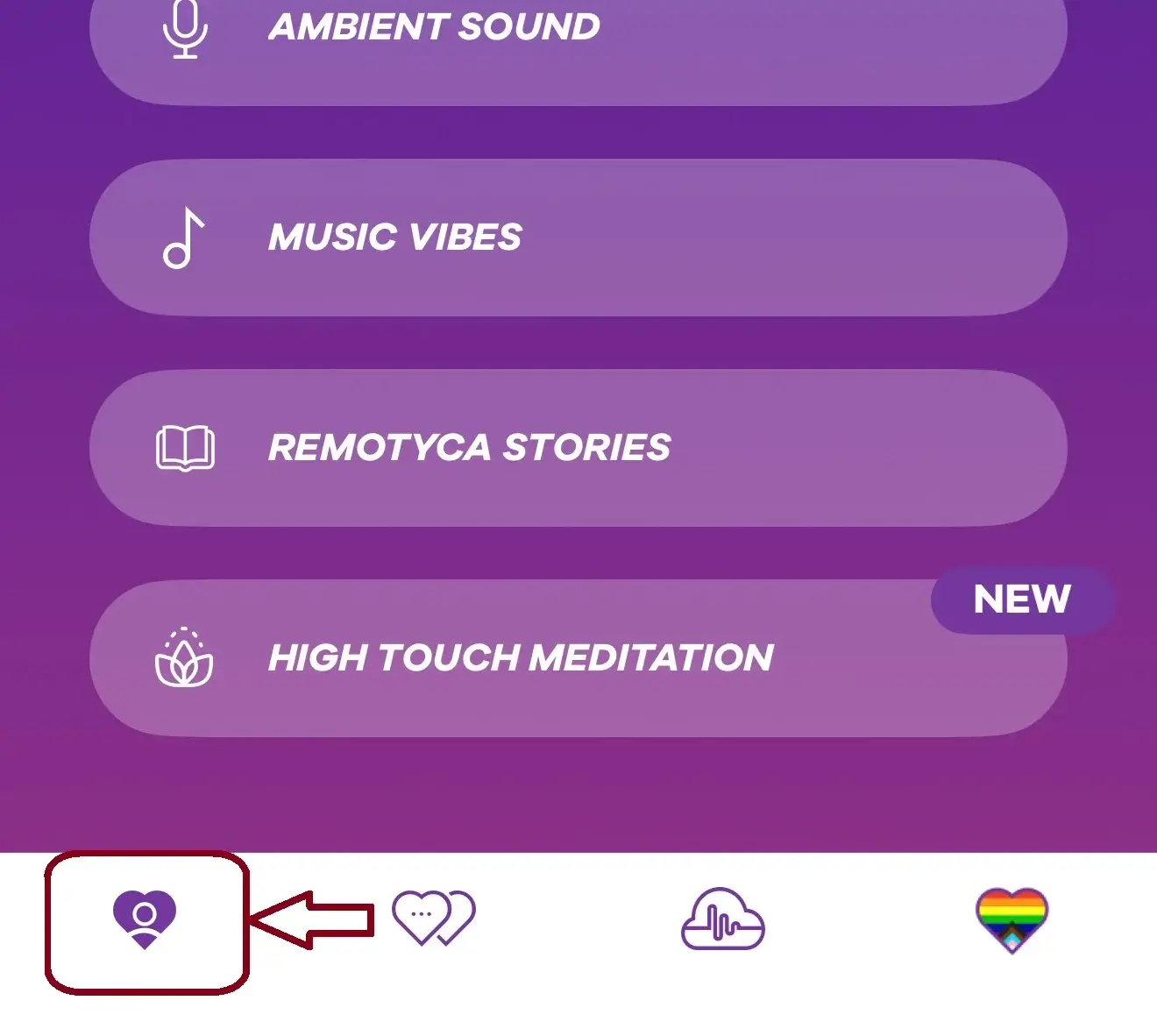
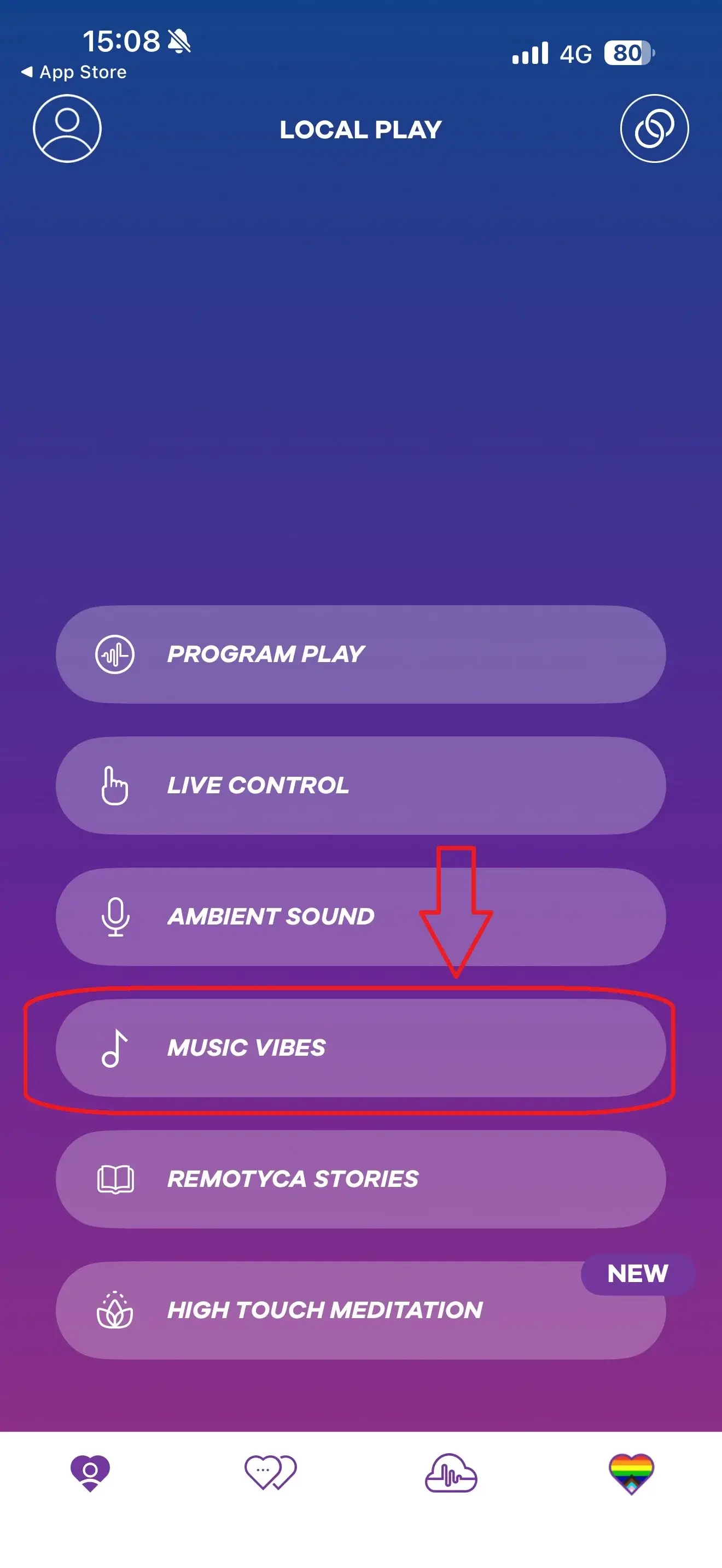
In the bottom menu, the first icon takes you to features designed for short-range control—perfect when your phone is nearby.

4) Programme Playback (ready-made + your own patterns)
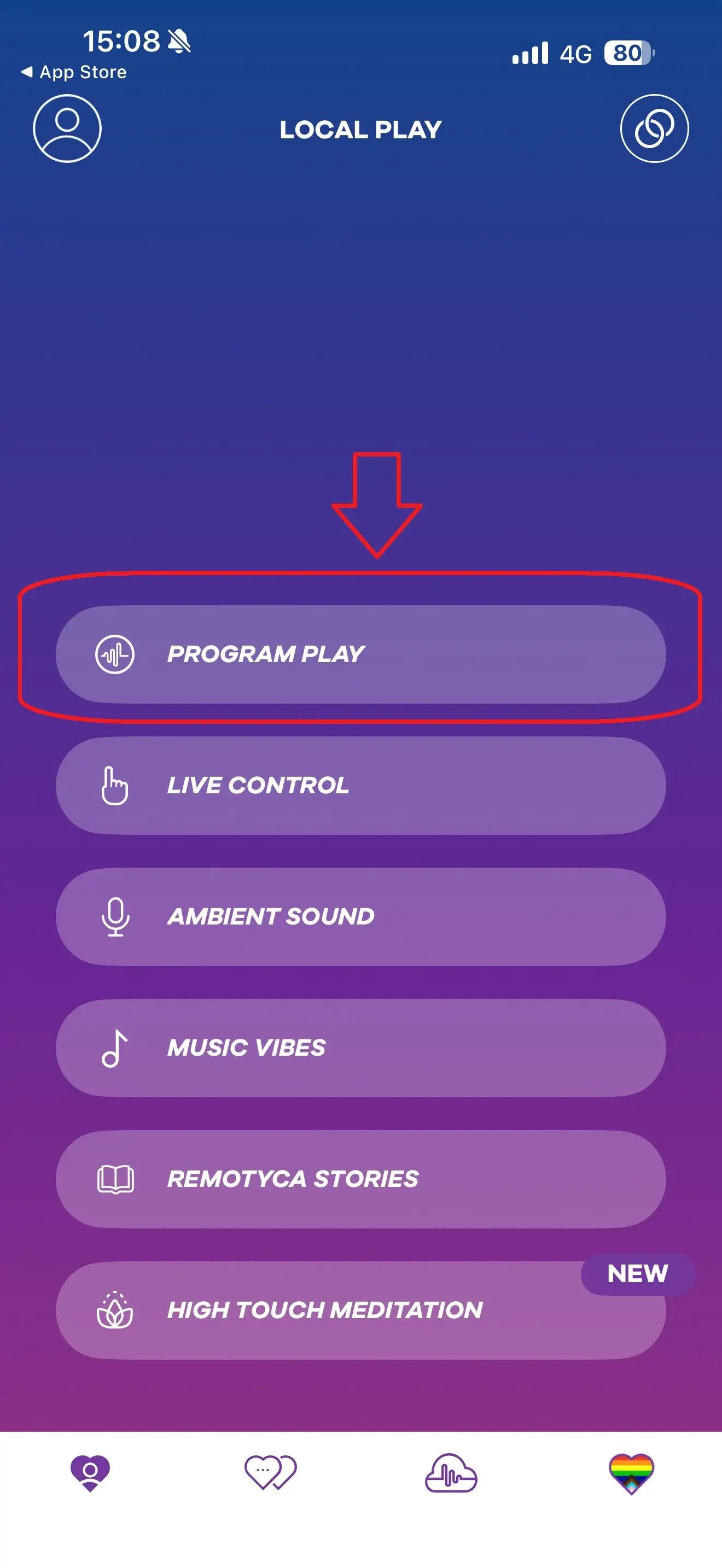
This is your “press play and melt” section. Inside Programme Playback, you’ll find ready-made vibration/impulse patterns plus any programmes you create and save.
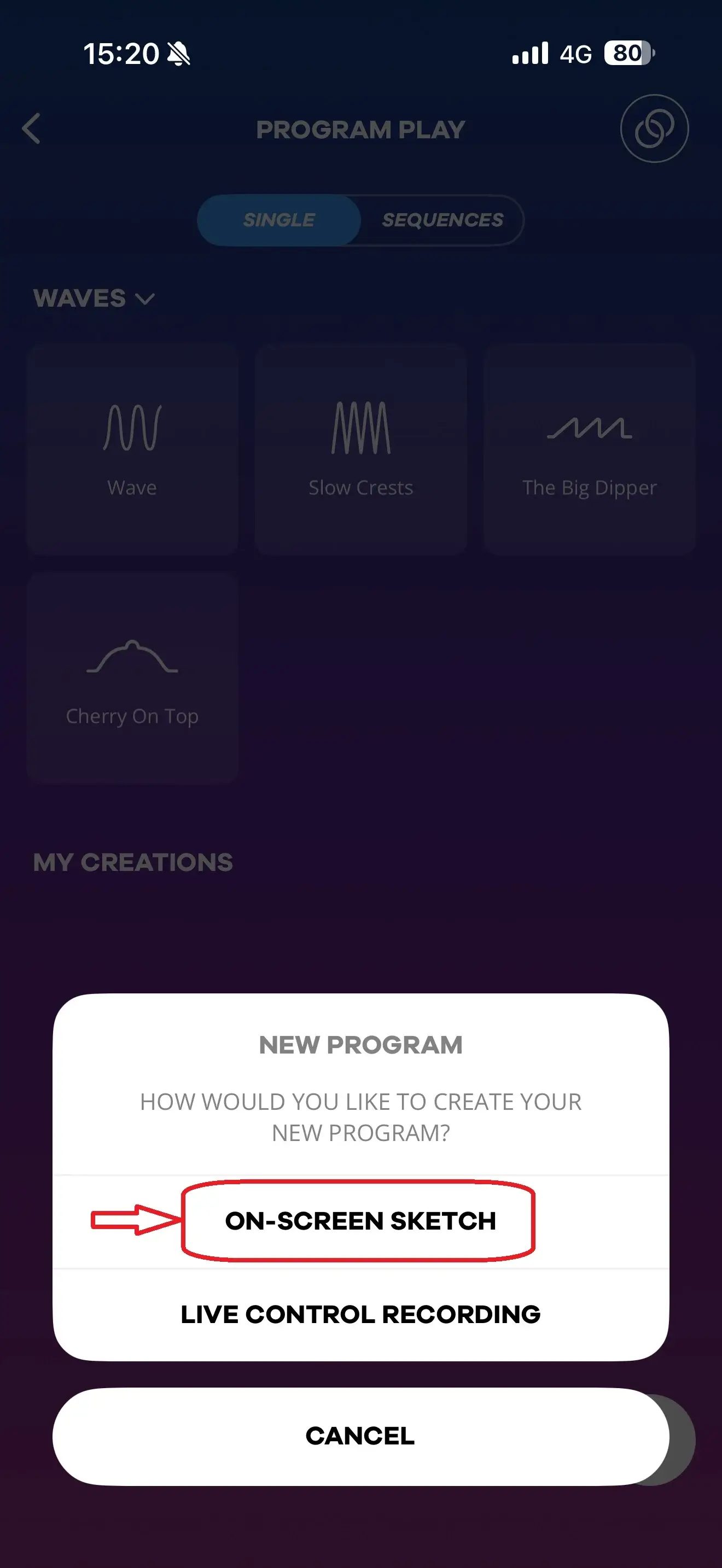
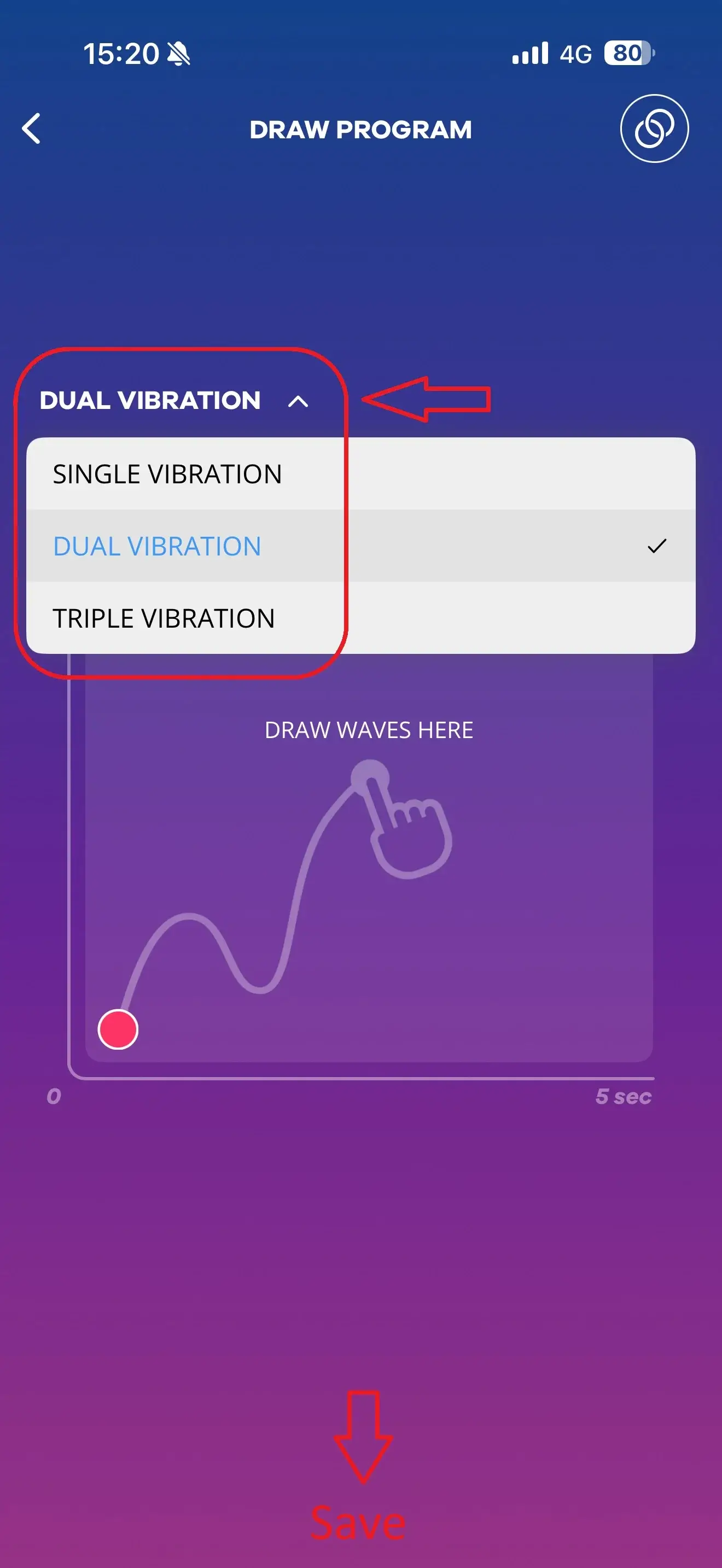
To make your own, tap the + icon and choose whether you want to design visually (draw it) or experiment live and save what you love. If you use the visual sketch option, you can “draw” your programme, create short sequences (the guide references 5-second programmes) and loop them for repeat play. If your device supports multiple motors/functions, you can plan them separately.
Pro tip: Save a few different moods (slow build, steady tease, intense finish), then rotate them depending on your vibe.

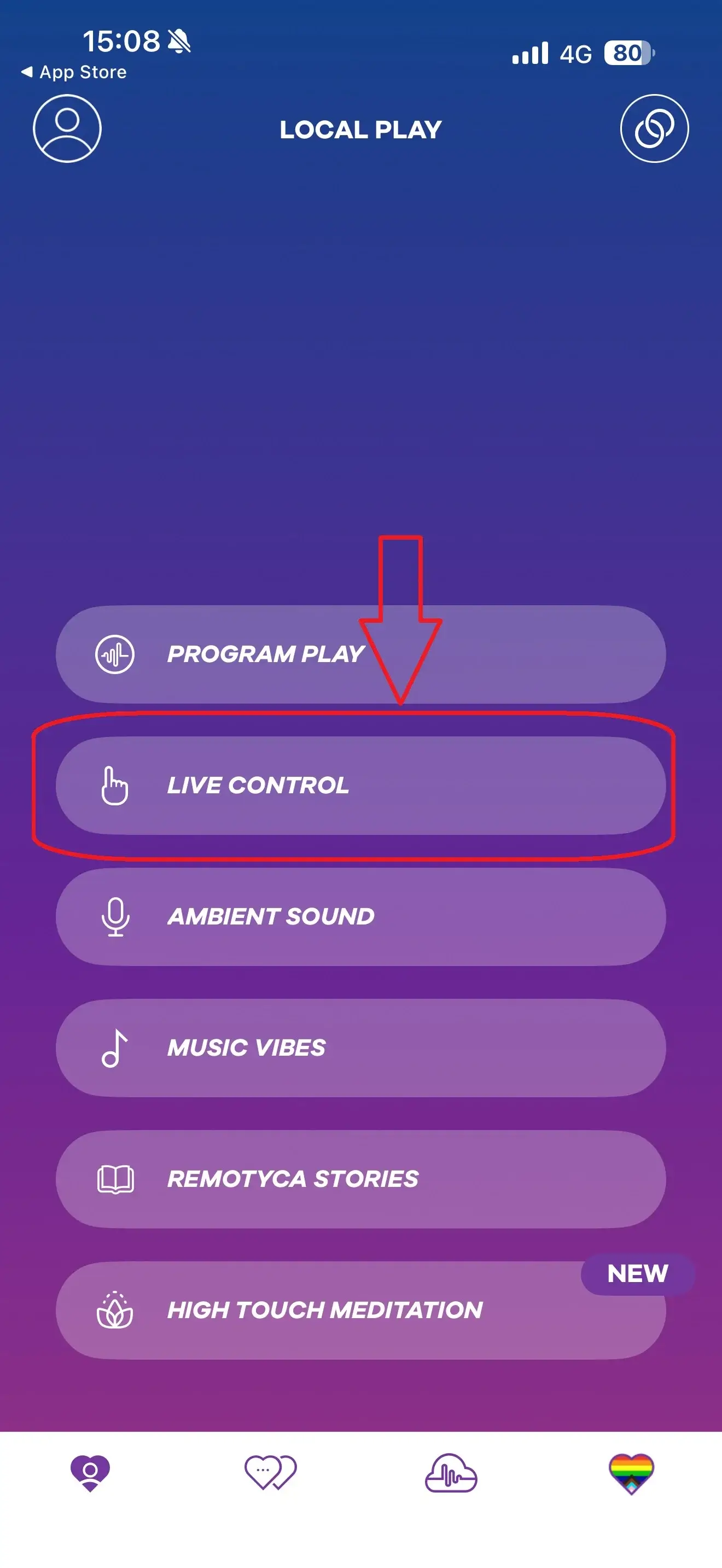
5) Live Control (real-time, finger control)
Want total control in the moment? Live Control is for you. Touch and drag the wave to change intensity and create patterns on the fly. If your device supports multiple motors/functions, you can control them separately.
If you’re using remote control (long-distance), the guide notes you’ll want a stable internet connection for the smoothest experience.

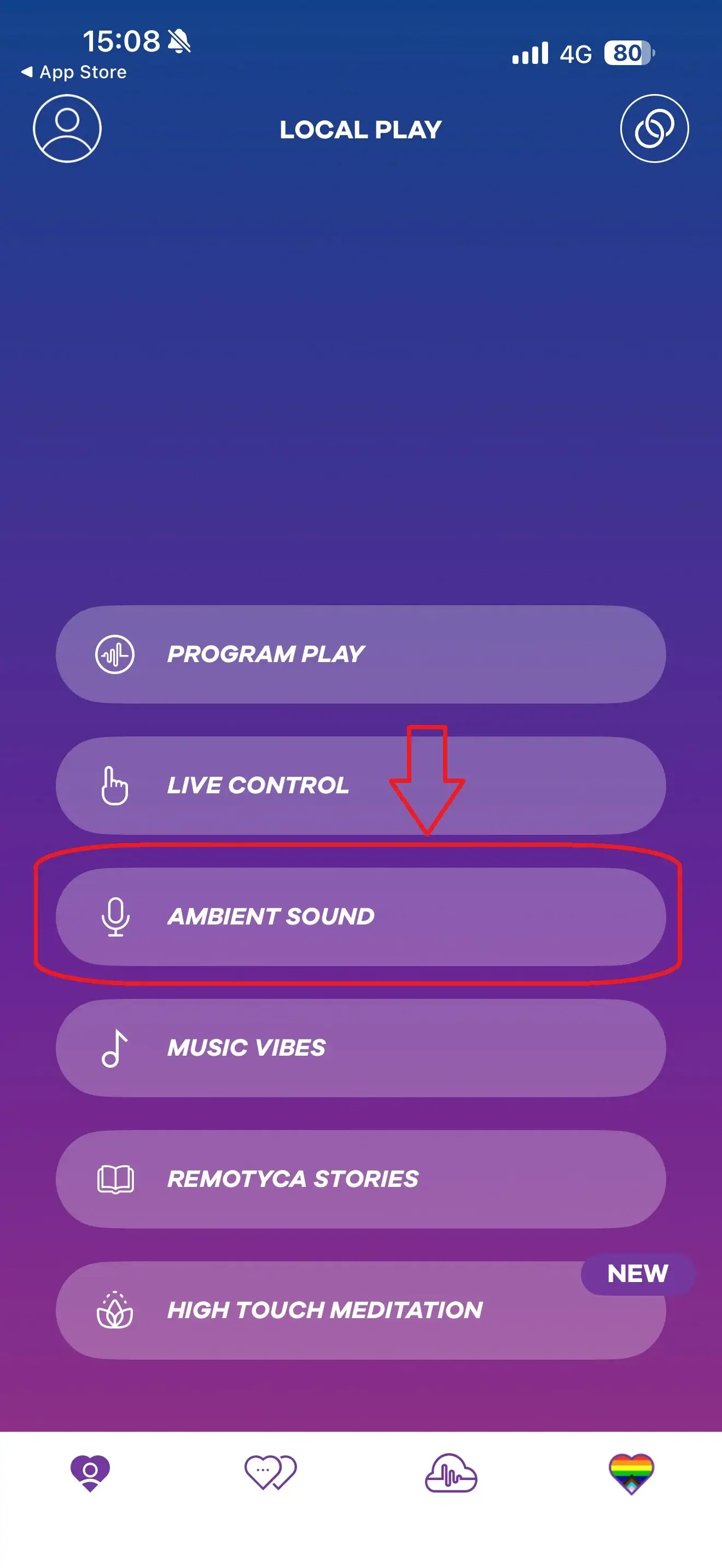
6) Ambient Sounds (sound-reactive mode)
This one’s ridiculously fun if you like playful experimentation. Allow microphone access, and the app reacts to sound in your environment, turning it into vibrations/impulses you can adjust with touch controls.
Ideas to try: music playing in the room, a movie scene, or your own voice.

7) Music Rhythms (sync your toy to music)
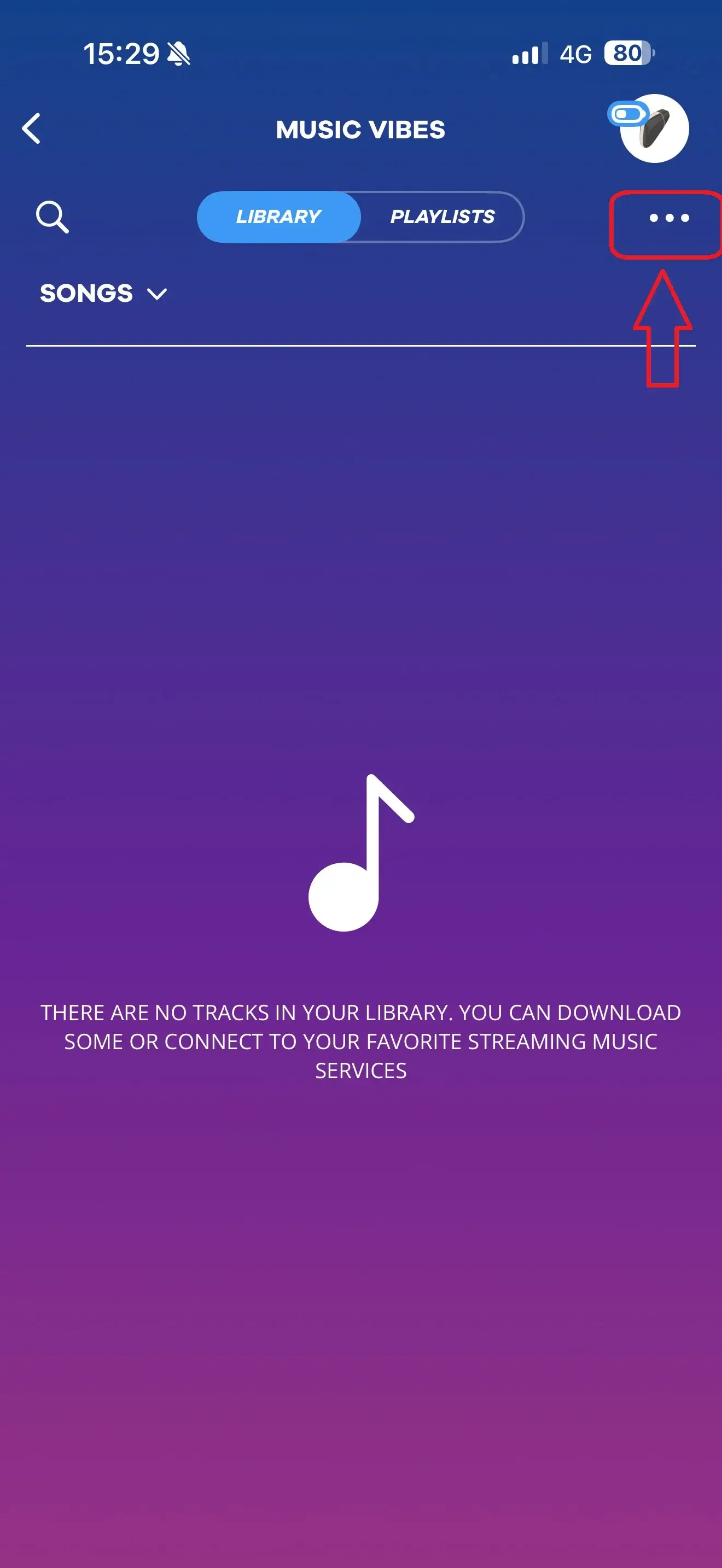
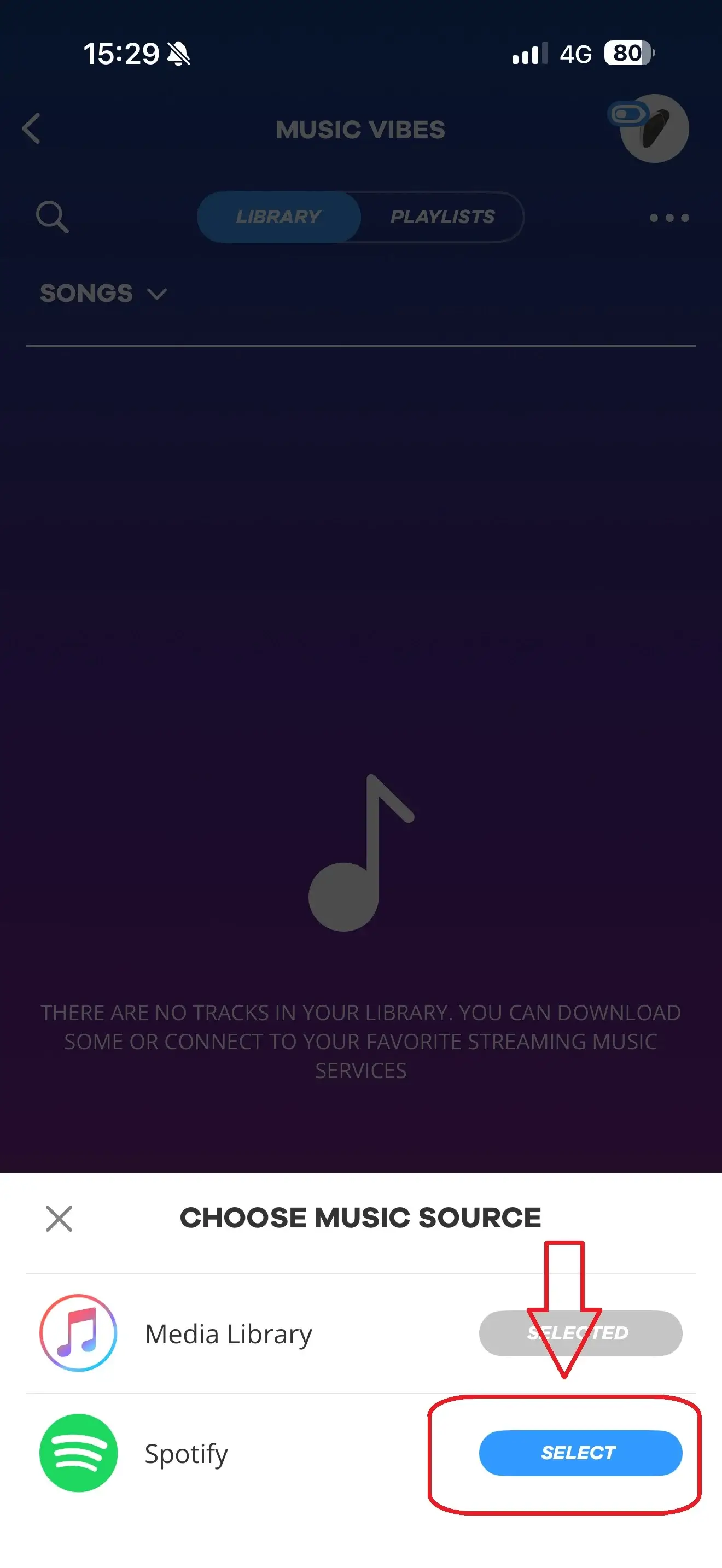
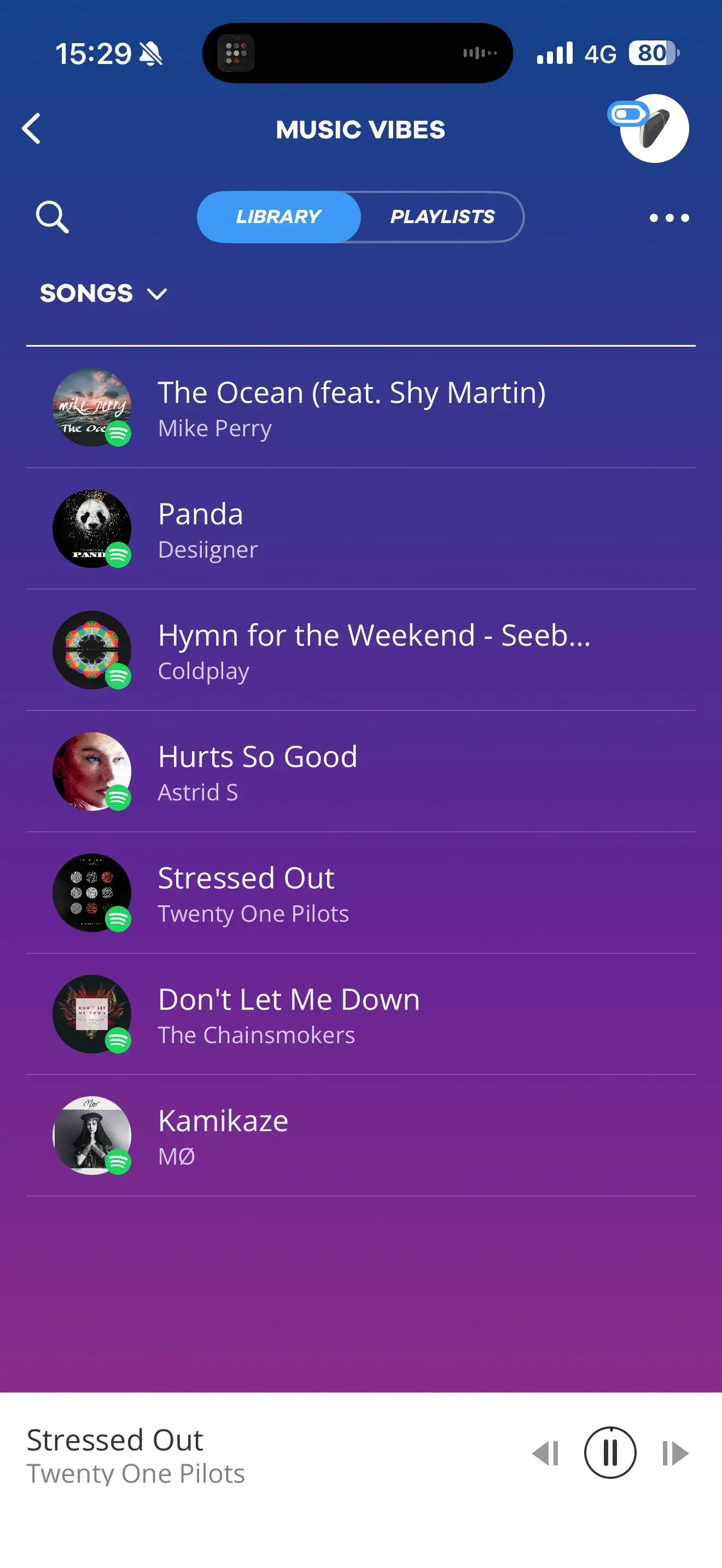
If you love vibrations that move with a beat, Music Rhythms is your new favourite. You can use music stored on your device and, as referenced in the guide, connect with external services such as Spotify.
To start, tap the three dots at the top, choose your music source, play a track or playlist, and let the rhythm do the work.


8) Remotyca Stories (audio stories + matching patterns)
For nights when you want to switch your brain off and just follow along, Remotyca Stories pairs erotic audio stories with vibration patterns. The guide notes stories are available (at the time of writing) in five languages, and you can check summaries and tags to help you pick your mood.
Remote Play: long-distance control with a partner
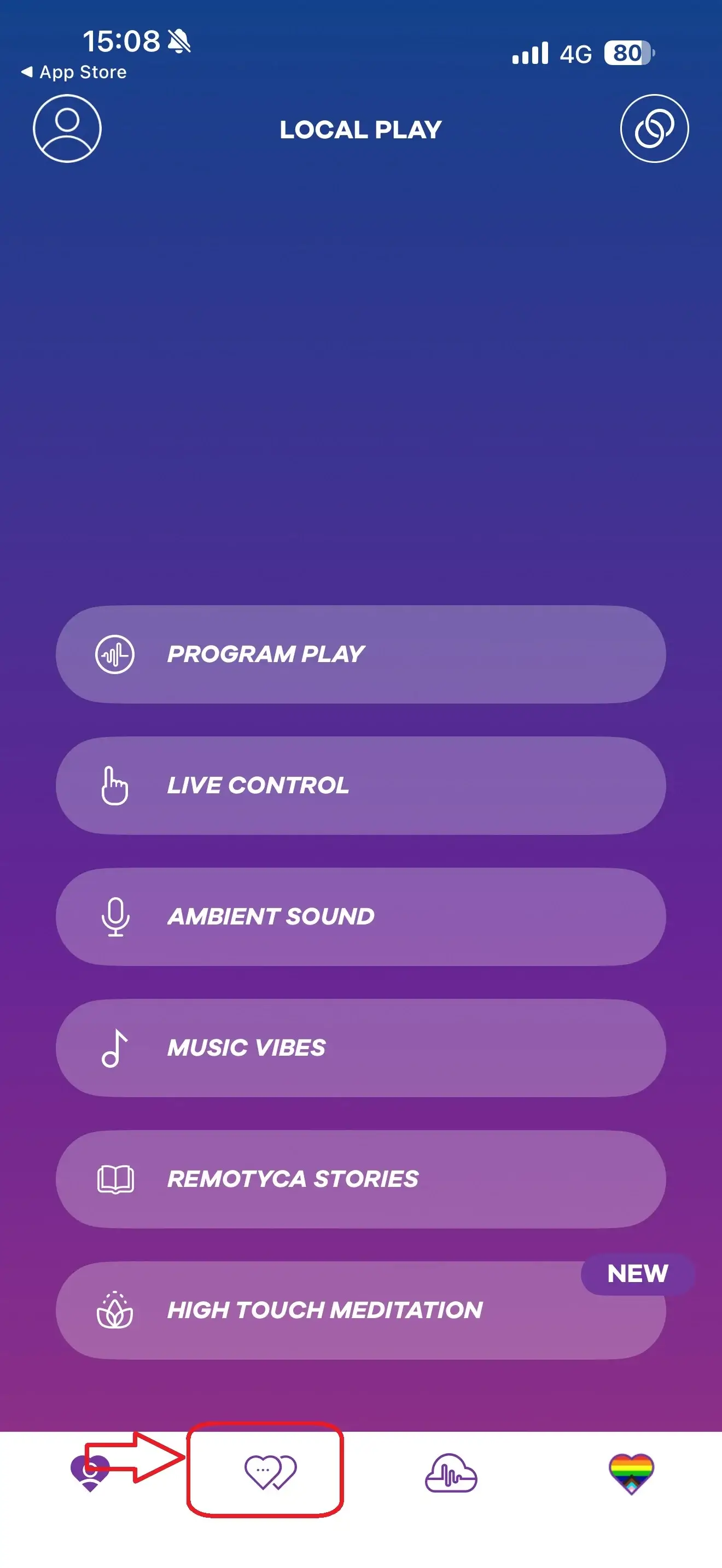
Ready for long-distance fun? You’ll find Remote Play via the second icon in the bottom menu. To use it, you need to be logged in with a user profile, since it’s an online feature.
9) Remote Play (share control online)
In Remote Play, you can search for a partner by username. One important detail: the guide is clear that the Satisfyer Connect App isn’t a dating app, so you’ll only find someone if you already know their username.
Once you’re connected as friends, you can chat, start video calls, and hand over control of your Satisfyer device to each other. And if you ever want to cut contact, the guide states you can block a user.

Community: discover and share patterns
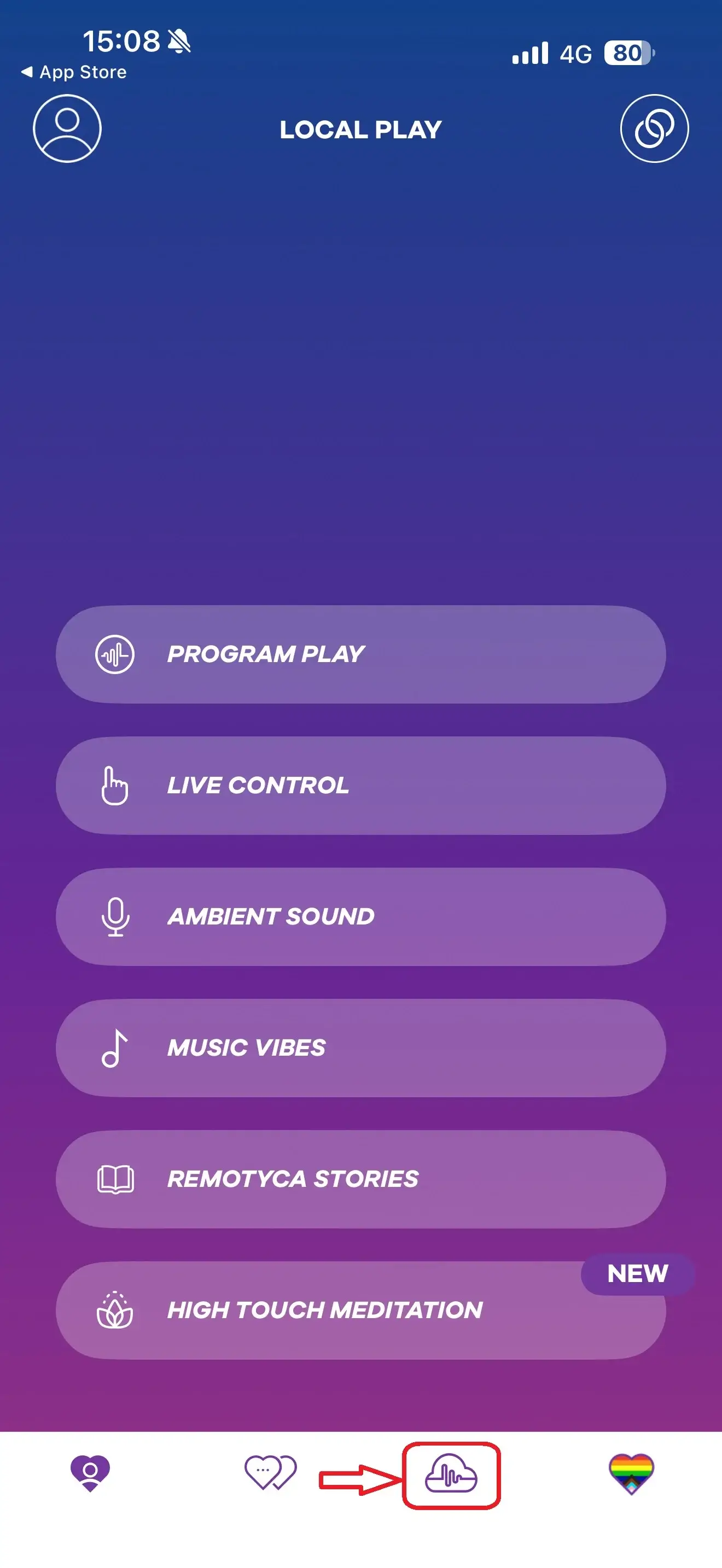
The third icon in the bottom menu takes you to the Community section, where you can browse programmes other users have shared and save favourites to your own programmes.
10) Community programmes (download and share)
You can also share your own creations. The guide notes you can share anonymously if you don’t want other users to find or contact you.

Bonus: High Touch Meditation
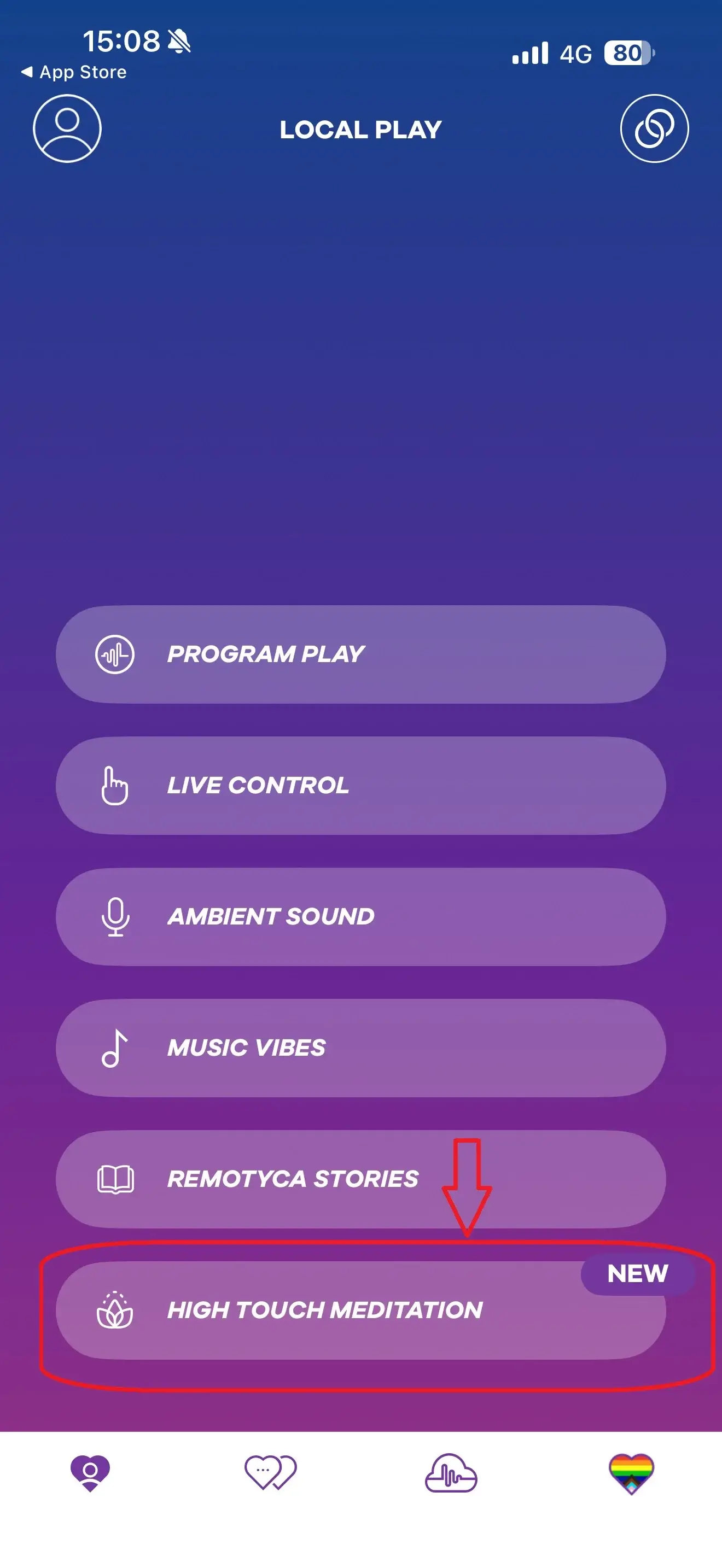
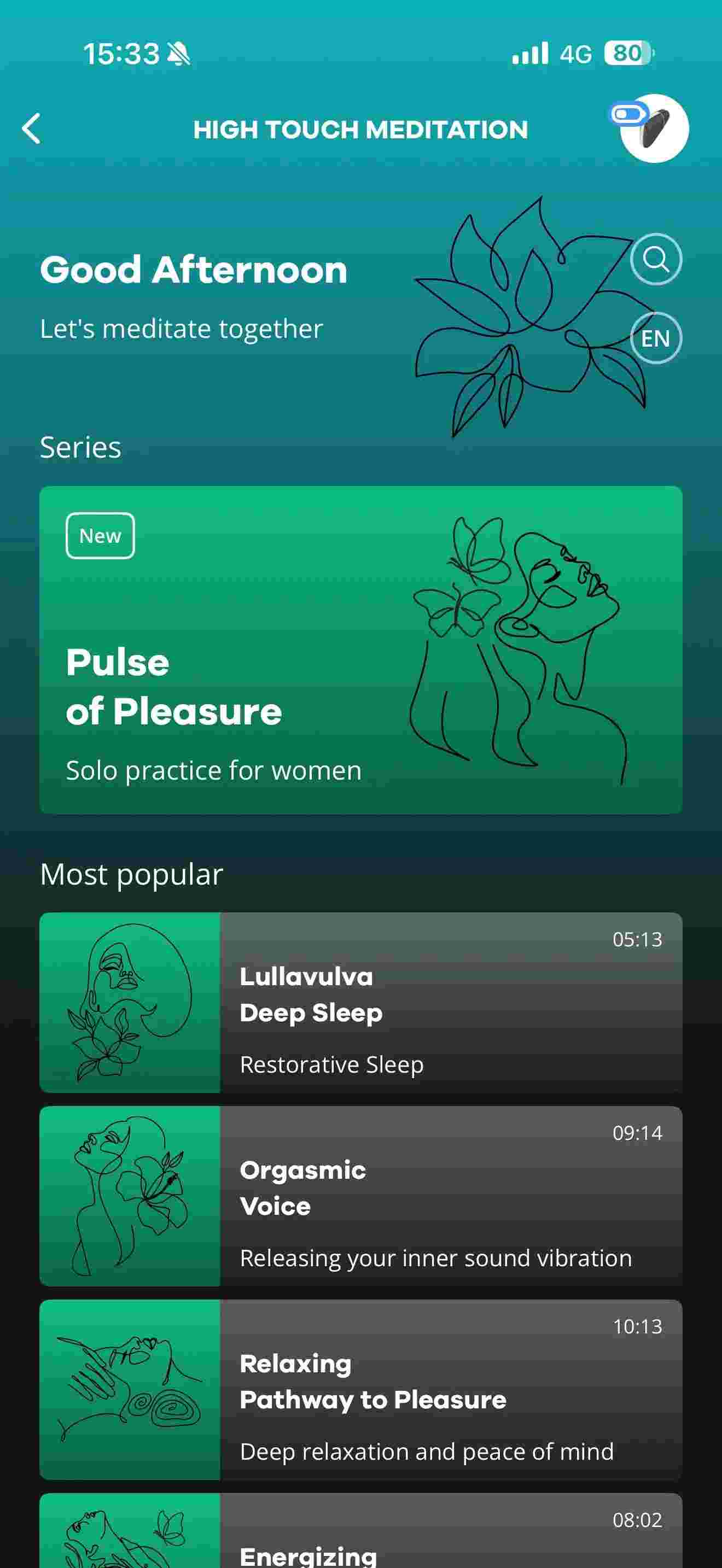
If you’re into a slower, softer vibe, High Touch Meditation blends relaxation with guided series designed to help you unwind while your toy does the gentle work.

Quick troubleshooting (if it won’t connect)
If pairing is being stubborn, try this: make sure Bluetooth is on, hold the toy’s button long enough until it double-buzzes, keep phone and toy close during pairing, stay within the 5–10 metre range, then close and reopen the app (or toggle Bluetooth off/on) if needed.
FAQs
Is the Satisfyer Connect App free? Yes, it’s available free via Google Play and the App Store.
Do I need an account to use the app? Not for everything, but you’ll want a profile for the full experience and you’ll need it for online/remote features.
How do I put my Satisfyer toy into Bluetooth pairing mode? Press and hold the power button until the device buzzes twice (usually 3–6 seconds depending on the model).
Is Remote Play a dating feature? No—Remote Play is for connecting with someone whose username you already know.
Ready to try it?
If you’re shopping for an app-controlled Satisfyer (or upgrading to a newer model), the Connect App turns a great toy into a seriously customisable, partner-friendly, next-level experience—from music sync to remote control and community patterns.
These expert-recommended kegel balls can help improve bladder control, support postnatal recovery, and strengthen your pelvic floor muscles.
The wet orgasm – also known as squirting – is one of the most thrilling and visually intense experiences a woman can have during sex or masturbation. It’s no surprise that it often appears in porn, since the sight of it is incredibly arousing for many – especially men. While some still think it’s just a myth, plenty of women have reported experiencing this powerful, squirting climax. The good news? With the right stimulation and an open mind, you can experience it too.
The sexual wellness world never stops surprising. Beyond the classics like vibrators, dildos and lubes, there’s a growing range of thrilling extras designed to take your pleasure to the next level.
In the online world and across social media, new slang terms pop up all the time and spread in the blink of an eye. Sometimes they make us smile, other times they leave us a bit surprised. Lately, one phrase has been searched more and more often – “coochie juice.” But what exactly does it mean, and why is everyone talking about it?